Create an Inbound To Center Report
Overview
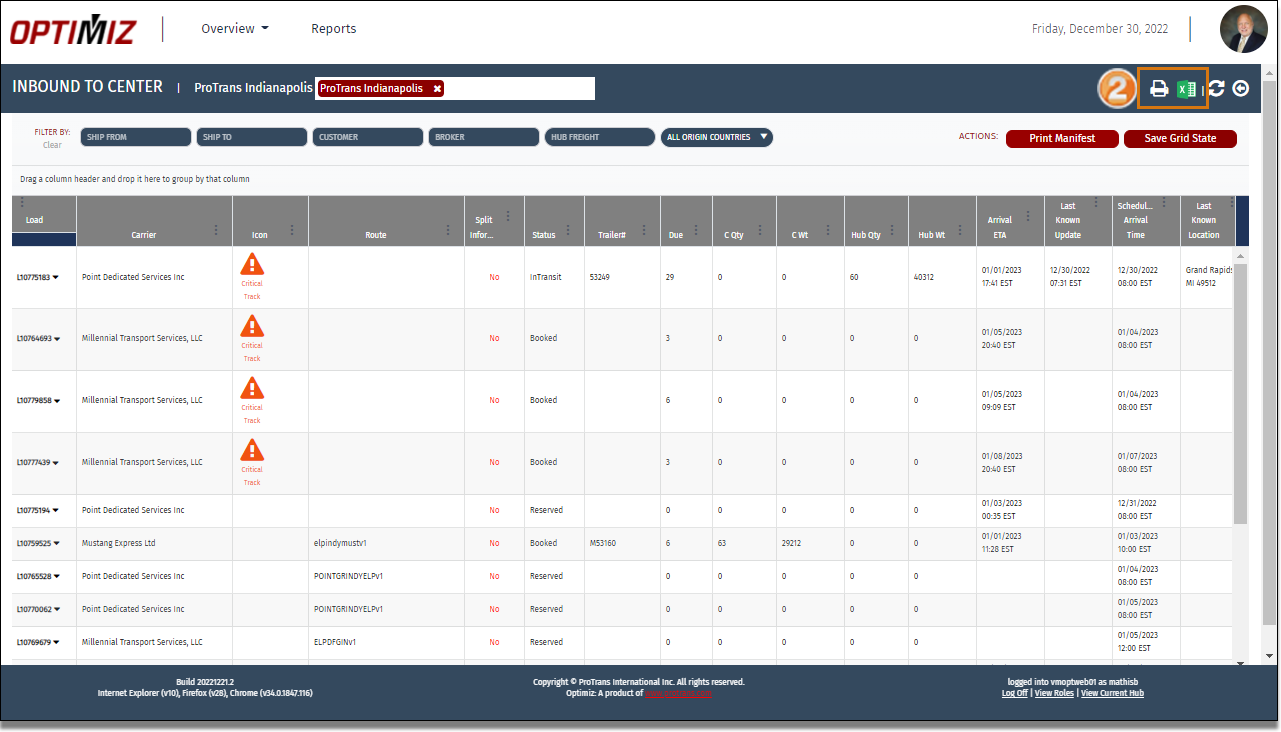
The trailers en route to the user's selected dock are called Inbound Trailers. The Inbound To Center tile allows dock users to create a report containing every load with the selected center as their next stop.
Process
To create a Inbound to Center Report:
- Access the Inbound to Center tile. See Access Inbound To Center.
- Click Export to PDF to download a PDF version of the report or click Export to Excel to download a spreadsheet version of the report.
Result
The Inbound to Center report is created and downloaded to the user computer.