Assign a Load to be Worked
Overview
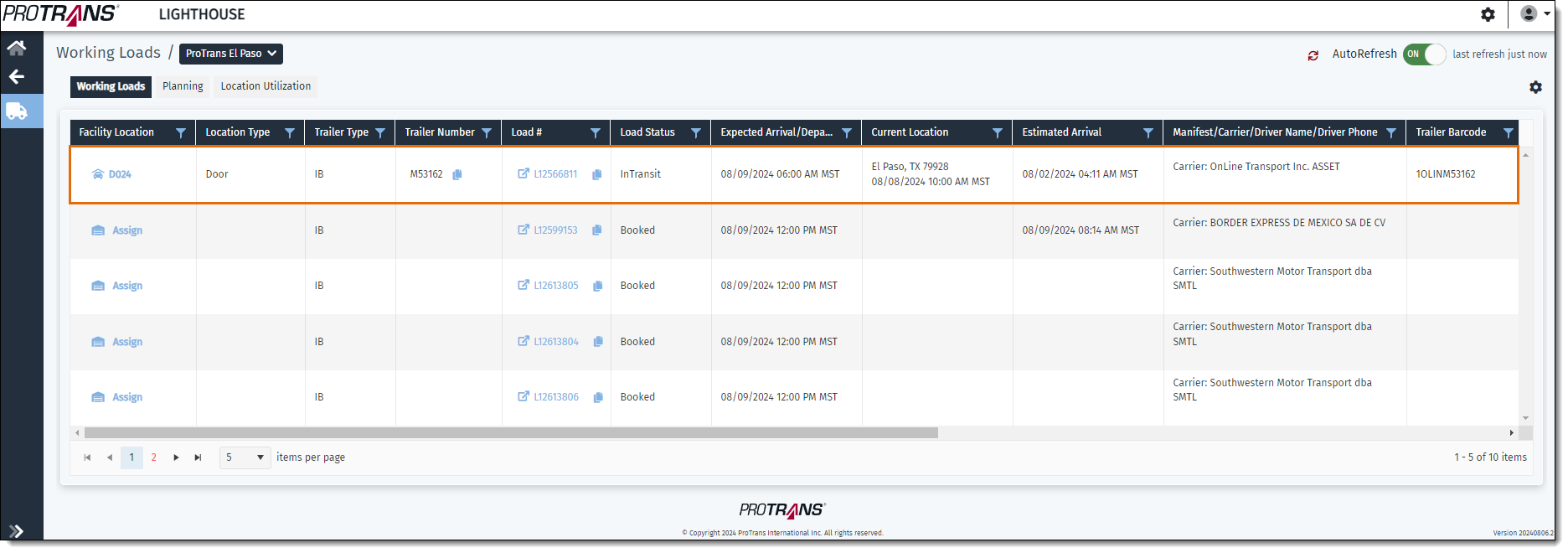
The Working Loads page gives the ability to assign a load to a dock worker to be worked.
Prerequisites
Before you can Assign a Load to be Worked you must:
- Access the Working Loads page.
- Assign a Load to a Location
Process
To Assign a Dock Worker to a Load to be Worked:
- Identify the load you want to assign to be worked.
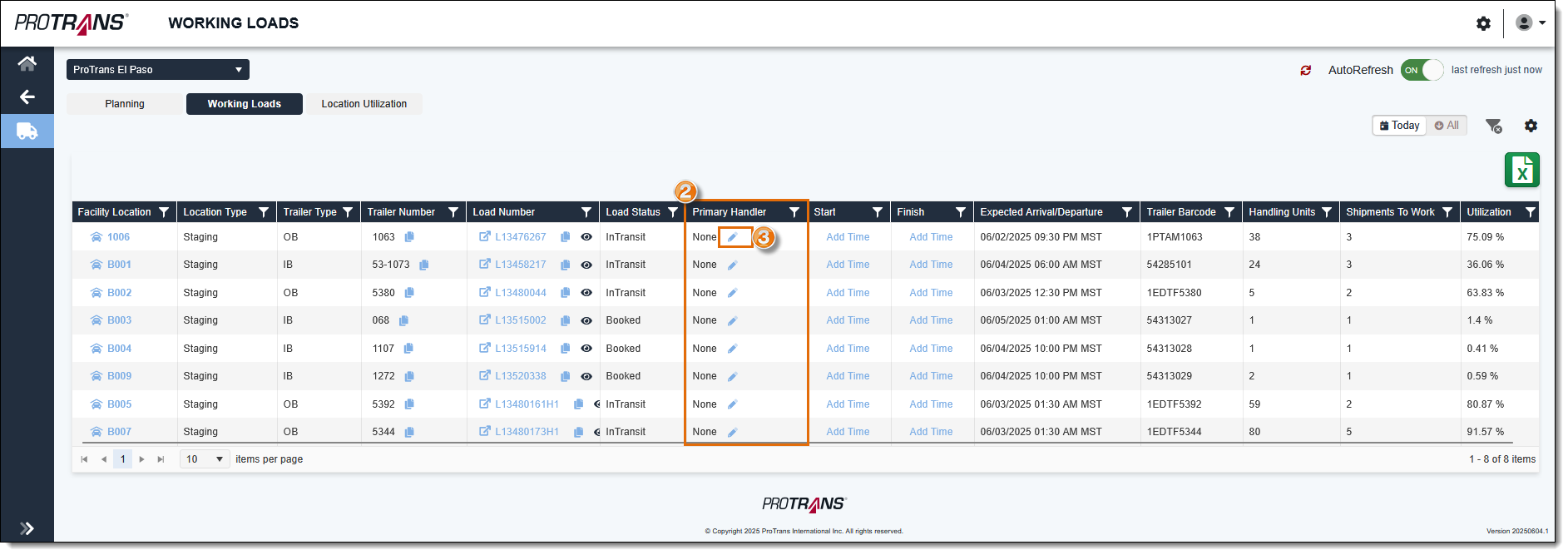
- Scroll to the Primary Handler column in the grid. Loads that are not assigned to be worked will display "None" in the Primary Handler column.
- Click the Edit pencil icon.
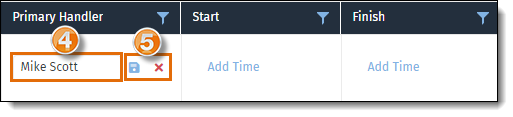
- Select the name of the employee you want to assign to work the load from the list.
- Click Save to assign the load, or Cancel to cancel the assignment.
Result
The load has been assigned to a dock worker to be worked.
Next Steps
Now that you have assigned a load to be worked, you may need to update the working load start time: