Edit a Shipment in On Dock Confirmed
Overview
Whenever changes need to be made to a shipment, the shipment edit screen can be accessed from the
Process
To Edit Shipment Information:
- Click the Shipment ID of the shipment to be edited.
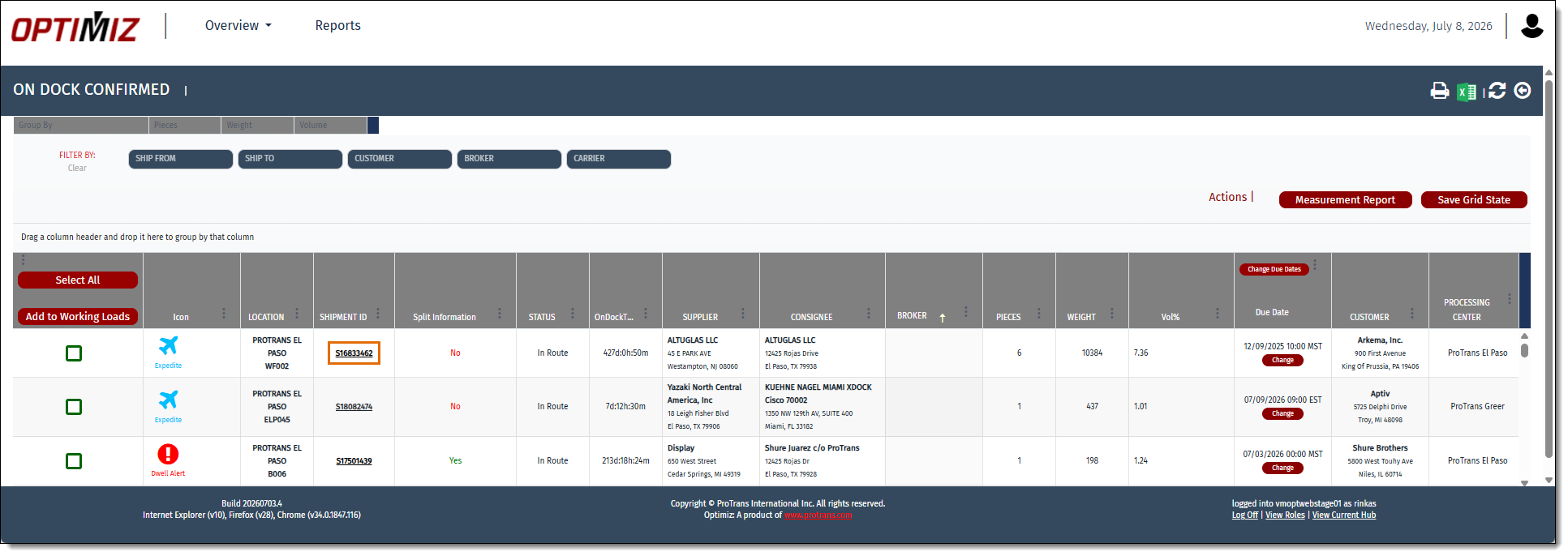
Result
The shipment opens in the +Crossdock page for editing. See Edit a Shipment for more details.

Next Steps
Now that you have Edited a Shipment from the On Dock Confirmed tile, you may need to: