Add a Shipment to Working Loads from On Dock Confirmed
Overview
Once a shipment has been confirmed and is ready to be assigned to a load, the shipment must be added to a working load. Shipments can be added to working loads through the On Dock Confirmed tile.
Process
To Add a Shipment to a Working Load:
- Access the Add to Working Loads tile. See Access On Dock Confirmed for details.
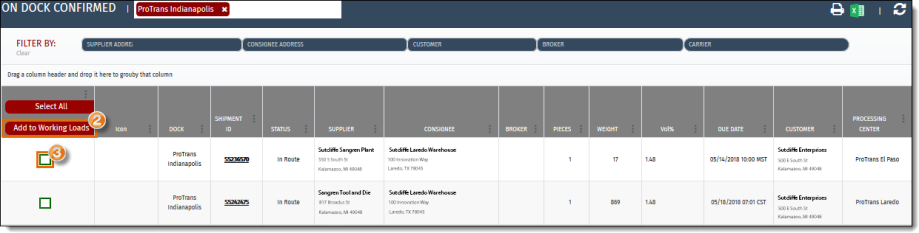
- Select the shipment to be added to working loads. Click Select All if adding all available shipments at once.
- Click Add to Working Loads.
Result
The load has been added to the Working Loads.