Access My Dock Dashboard
Overview
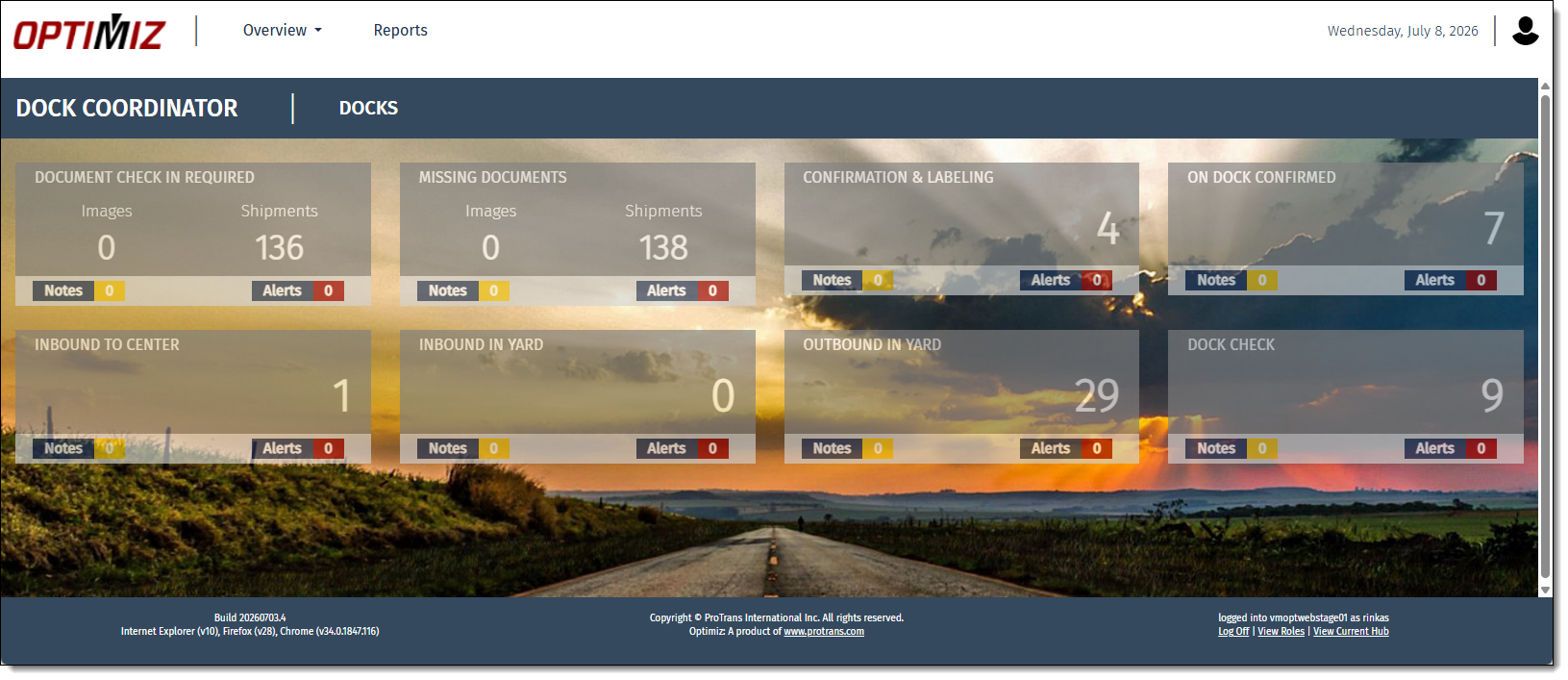
Dock users need to know the movement on their current centers to properly plan their activities. My Dock dashboard contains visual displays of the work that needs completion, facilitating this task for dock users.
Process
To Access My Dock Dashboard:
- Hover the mouse over Landing Pages.
- Click My Dock.

Result
My Dock dashboard page opens.
Related Topics
Now that you know how to access the My Dock dashboard, you may want to read more about: