Set the Planning Type of a Shipment
Process
To Set the Planning Type of a Shipment:
- Access Shipment Management. See Access Shipment Management and Shipment History.
- Search for the shipment. See Search for Shipments.
- Click the Bill To Name of the selected shipment (it may be on the far right of the search grid).
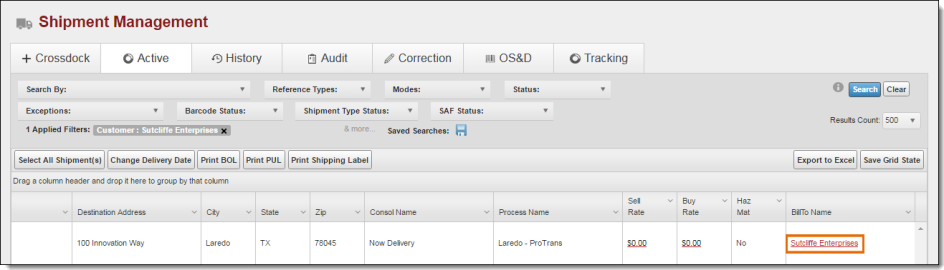
The +Crossdock shipment edit window opens.
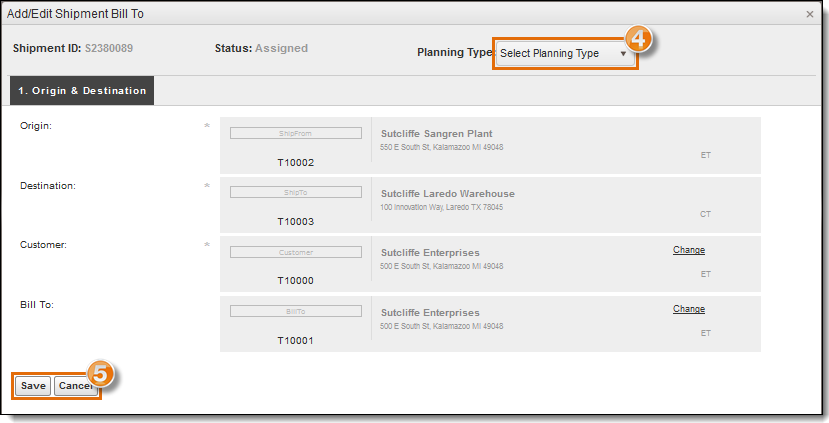
- Select the Planning Type for the shipment.
- Click Save to save the shipment or Cancel to discard the changes.
Result
The planning type of the shipment is saved.