Send an ASN to a Customer
Overview
When should I send an ASN to a customer?
Manually send an ASN when requested by a customer or when the automatic transmission fails for any reason.
Prerequisites
- The Customer must be configured to receive ASNs. See EDI Configuration for details.
Process
To Send an ASN to a Customer:
- Search for the load that includes the shipment attached to the ASN to be sent. See Search for Active Loads for details.
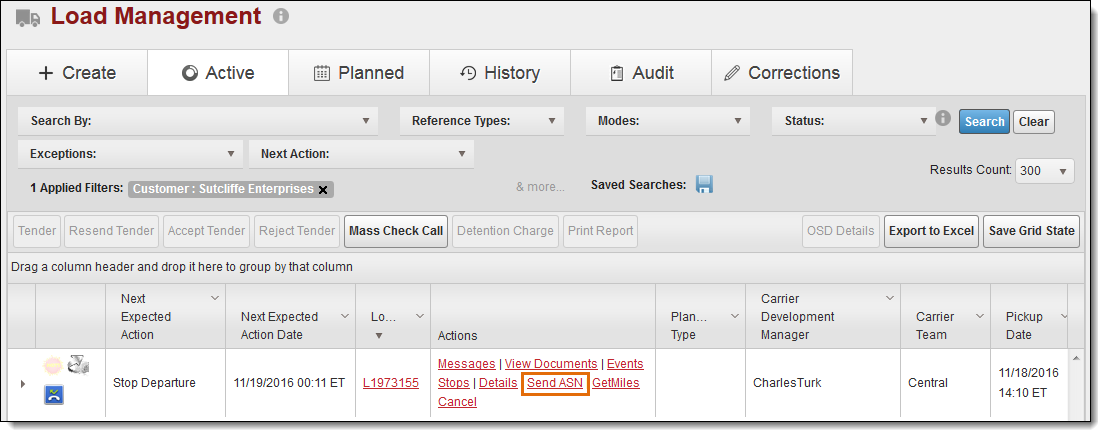
- Click Send ASN.
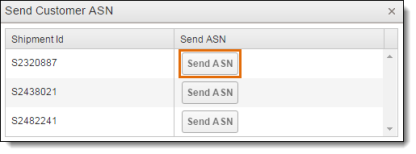
The Send Customer ASN window opens.
- Click Send ASN on the line of the shipment whose ASN is to be sent.
Result
The ASN is sent to the customer.