Access Missing Documents
Overview
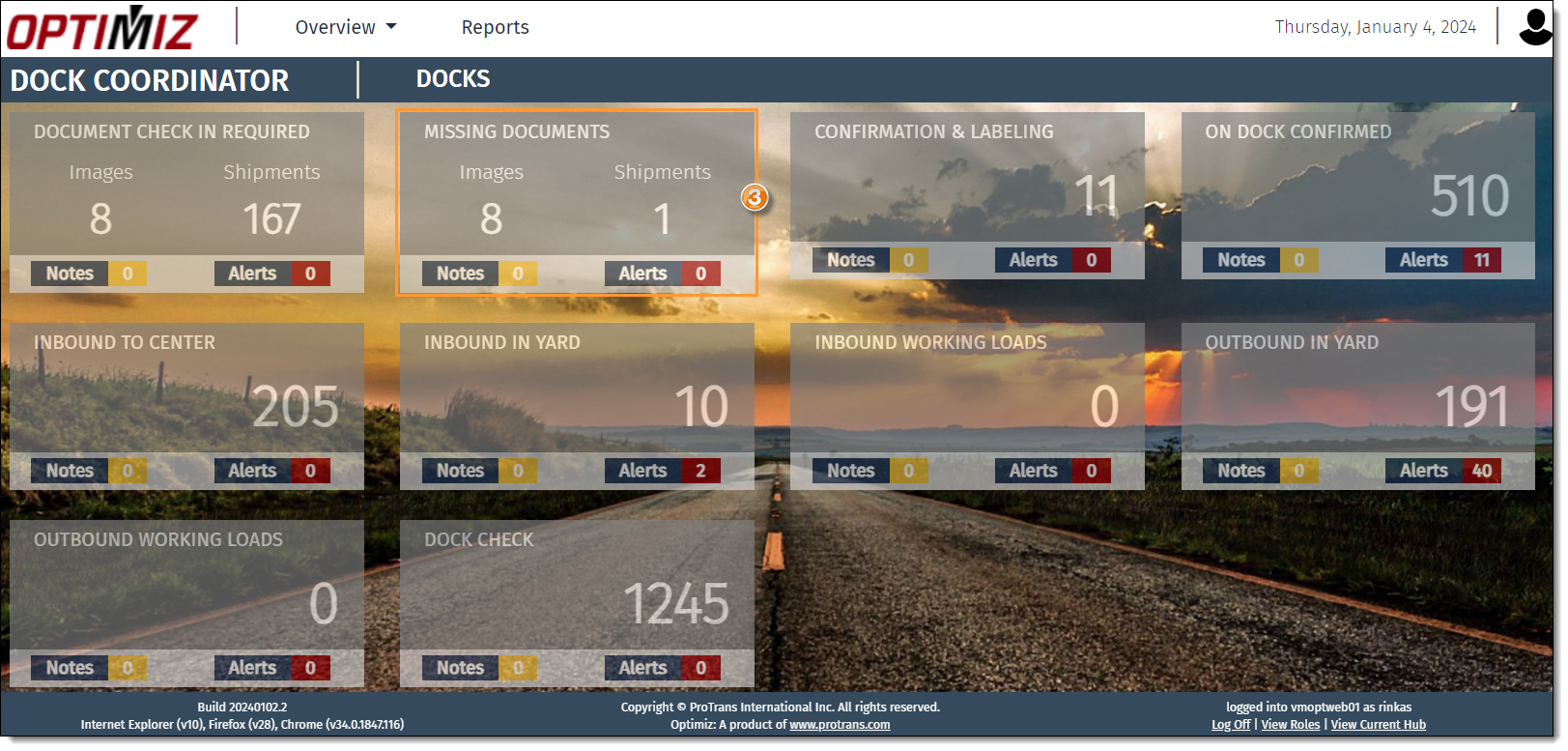
The Missing Documents tile is found in the My Dock dashboard which contains a display showing a number of images, shipments, notes, and alerts. This display is based on the dock to which the user is currently assigned. The dock assignment can be changed if necessary. See Filter Tiles by Dock for more information.
Process
To Access Missing Documents:
- Hover over Landing Pages.
- Click My Dock.

- Click Missing Documents.
Result
The Missing Documents page opens.