Add a Load to Outbound Working Loads
Overview
When a load is ready to be loaded with freight it needs to flagged as an Outbound Working Load. User can perform this task in the Inbound Working Loads tile.
Process
To Add a Load to Outbound Working Loads:
- Access the Inbound Working Loads tile. See Access Inbound Working Loads for details.
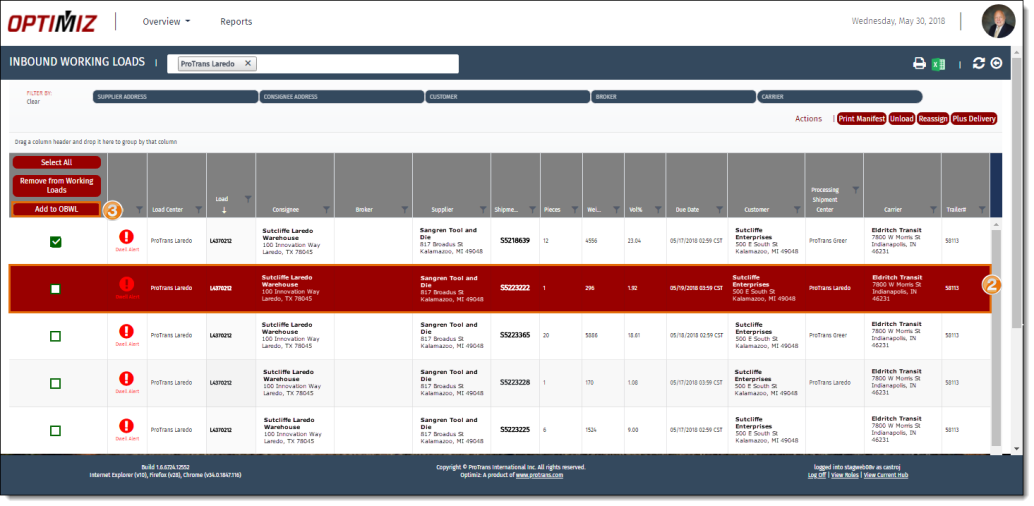
- Click the load to be added to Outbound Working Loads.
- Click Add to OBWL.
Result
The load has been added to the Outbound Working Loads tile.